Managed IT services (MSP) quotes
Choose managed IT services when your organisation needs continuous monitoring, support and security without maintaining an in-house technical team. An MSP watches systems remotely, resolves faults, manages updates, protects access and documents the environment, reducing avoidable downtime while giving staff a defined route for urgent technical problems.
What this covers
The work starts with understanding the live environment: devices, users, network equipment, cloud platforms, business applications, backups, licences and existing suppliers. The provider records dependencies, administrative access, unsupported hardware and known weaknesses before accepting responsibility. Monitoring agents or connected management tools may then be installed on permitted systems to report availability, performance, patch status, storage pressure and security events.
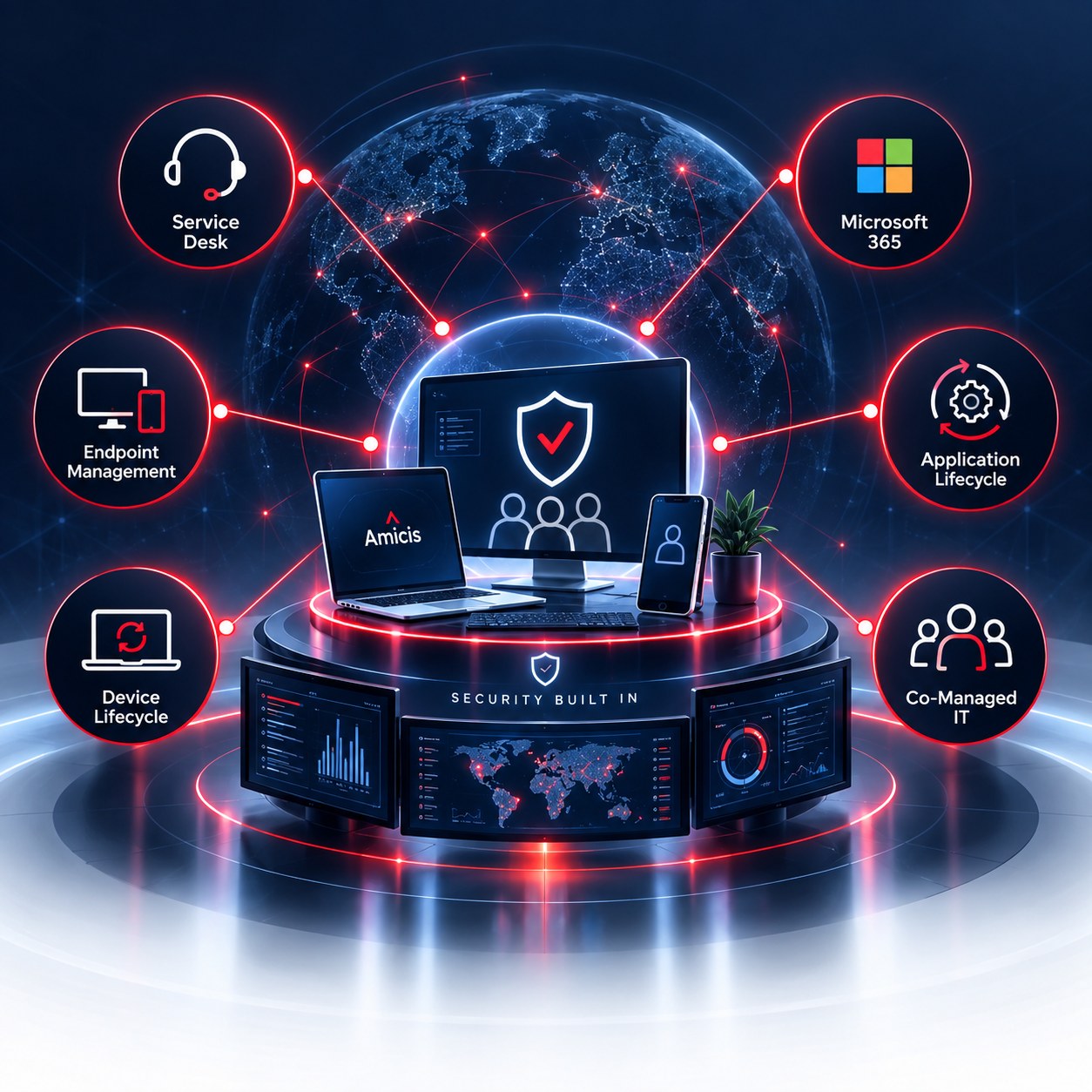
Day-to-day delivery combines a service desk for user incidents with remote investigation, configuration changes, account administration and planned maintenance. Engineers may isolate a failing device, restore a connection, remove unwanted software, apply updates, adjust permissions or escalate a hardware fault to a specialist. Backup jobs and alerts are reviewed rather than assumed to be successful.
Management also includes documentation, asset records, change control and regular reporting. A mature arrangement distinguishes an incident from a request, records the action taken and identifies recurring causes. Larger changes, such as replacing network equipment or moving a workload, should be scoped separately so routine support does not conceal project work.
How the work is done
The provider first holds a discovery session and inventories devices, users, locations, network links, cloud services, backups and critical applications. It checks who controls domains, administrator accounts, security tools and supplier contracts, then records gaps that must be resolved before support begins.
Next, the parties agree the service boundary: supported systems, user groups, response handling, maintenance windows, security responsibilities, backup checks and out-of-scope project work. Approved monitoring and management tools are deployed, access is tested and alerts are tuned so normal activity does not bury genuine faults.
During live service, a user raises an incident or the monitoring platform creates one. The service desk confirms impact, troubleshoots remotely, applies an authorised change or escalates to an engineer or third party. Significant incidents are documented with actions and communications.
Regular reviews examine ticket patterns, unresolved risks, patch status, backup results, asset changes and upcoming technology decisions. The provider should update documentation after material changes, not wait until an outage exposes missing information.
What affects the cost
The main cost drivers are the number and condition of supported users, devices, servers, sites and applications, alongside the hours and response arrangements required. A simple standardised estate is easier to monitor than a mixed environment containing obsolete hardware, undocumented networks or specialist software.
Onboarding can add substantial work where the provider must discover assets, rebuild documentation, remove unsafe accounts, standardise configurations, migrate monitoring tools or correct failed backups. Security requirements may add identity management, endpoint protection, vulnerability remediation, email controls, incident response preparation and reporting. Cloud subscriptions, licences, hardware replacement and third-party support may sit outside the core service, so the quotation should identify ownership clearly.
Access also matters. Remote support is less costly to deliver than repeated site attendance, while restricted systems, poor connectivity and out-of-hours coverage require different staffing. Ask whether projects, emergency work, travel, new-user setup, backup restoration and supplier liaison are included. The meaningful comparison is total responsibility and exclusions, not a headline fee detached from the environment.
Before you hire
For this service, competence shows in the provider's technical evidence: a complete discovery record, sensible monitoring thresholds, documented privileged-access controls and proof that backup restores have been attempted. Ask to see how they distinguish a user request, infrastructure failure and security incident, including who can authorise disruptive changes.
Useful service documentation should identify supported assets, dependencies, exclusions, escalation paths, maintenance windows and third-party responsibilities. During discussion, listen for specific answers about legacy systems, cloud identity, patch failures, alert fatigue and handover if the relationship ends. A provider that cannot explain how it will obtain access, protect it and remove it later has not properly scoped the work.
Recent work
 Managed IT services (MSP) project 1
 Managed IT services (MSP) project 1
 Managed IT services (MSP) project 1
 Managed IT services (MSP) project 1
 Managed IT services (MSP) project 1
 Managed IT services (MSP) project 1
 Managed IT services (MSP) project 1
 Managed IT services (MSP) project 1
 Managed IT services (MSP) project 1
 Managed IT services (MSP) project 1
 Managed IT services (MSP) project 1
 Managed IT services (MSP) project 1
 Managed IT services (MSP) project 1
 Managed IT services (MSP) project 1
 Managed IT services (MSP) project 1
 Managed IT services (MSP) project 2